Modify data in Extensions without dependency
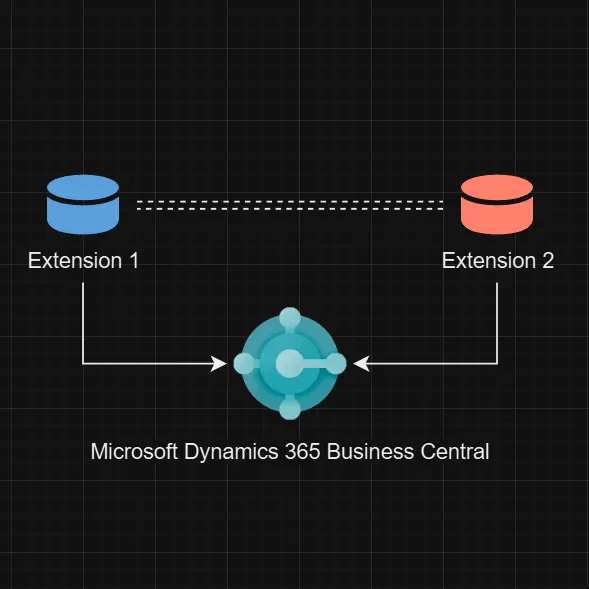
Have you ever needed to access or modify data from another extension without having a dependency on it?
If your goal is simply to access or modify table data, you’re in the right place. However, if you need to change the logic of third-party extensions, unfortunately, this still requires a dependency on that third-party application.
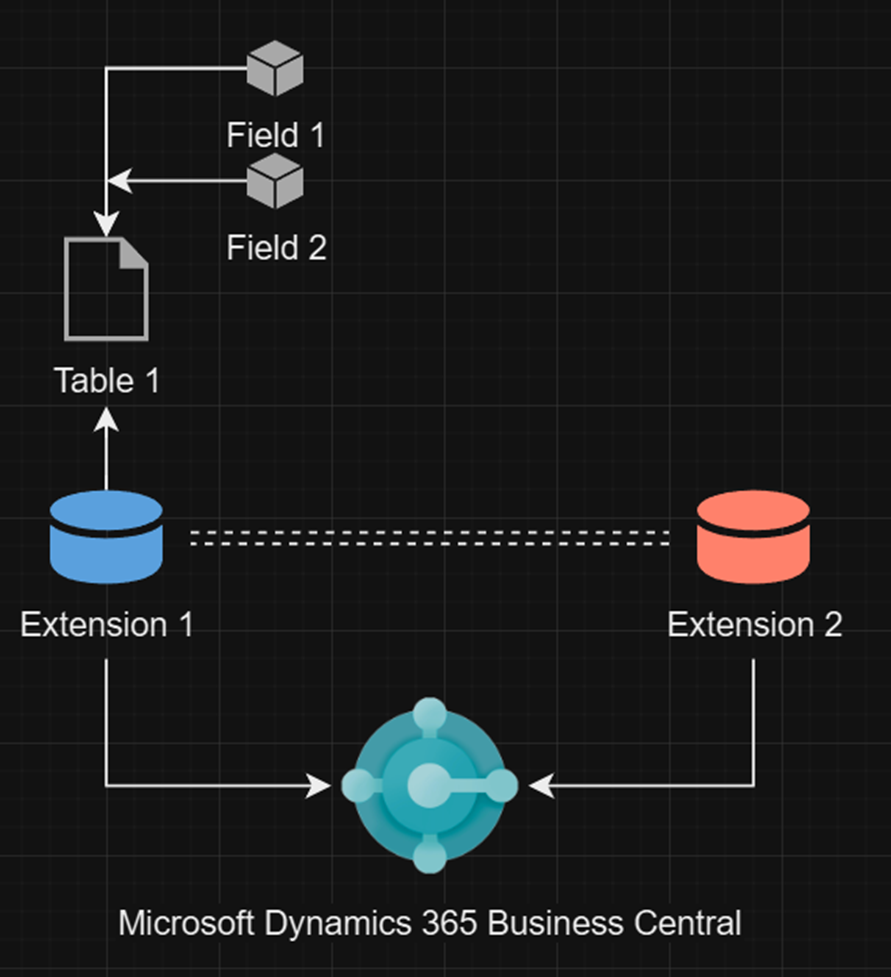
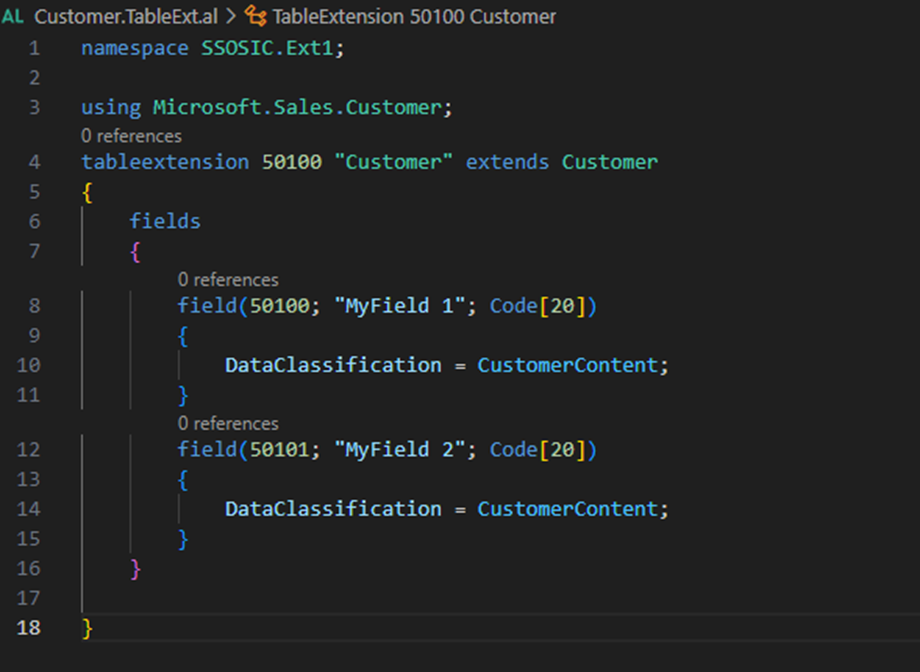
Let’s explore an example involving two separate and independent extensions in Business Central. The first extension includes a table extension on the Customer record, adding two new fields.
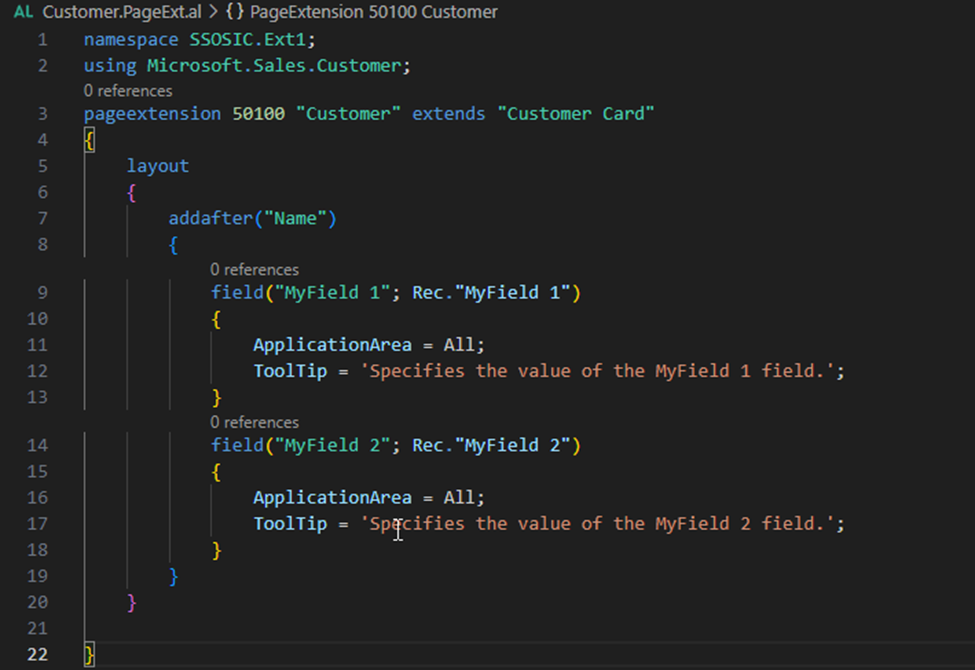
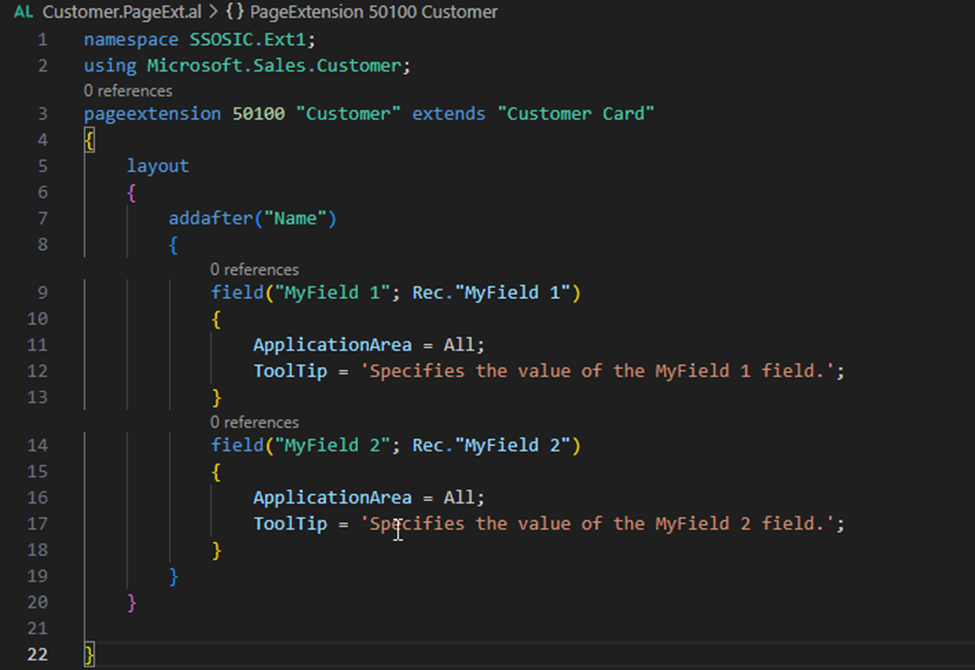
It also extends the Customer Card page to include these fields after the Name field.
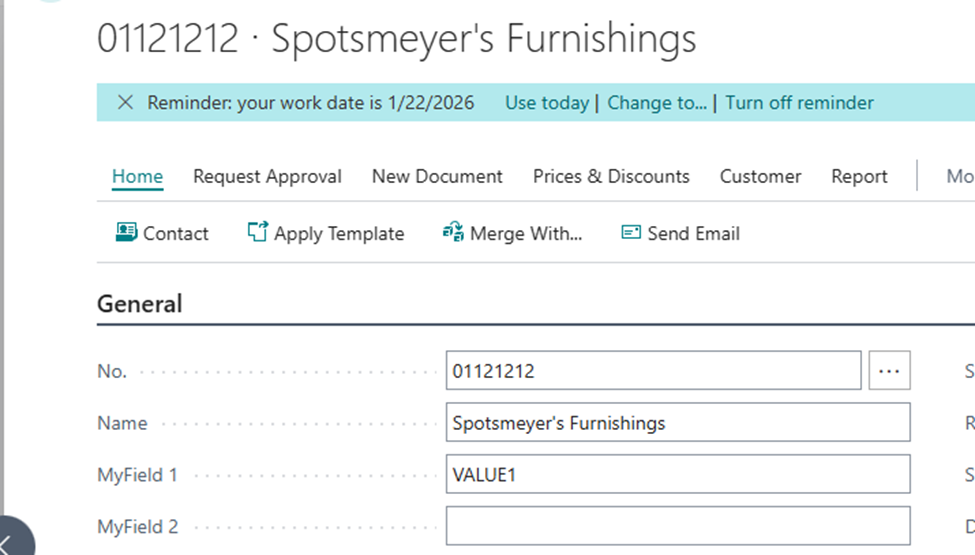
To illustrate, we’ll populate MyField1 with a value.
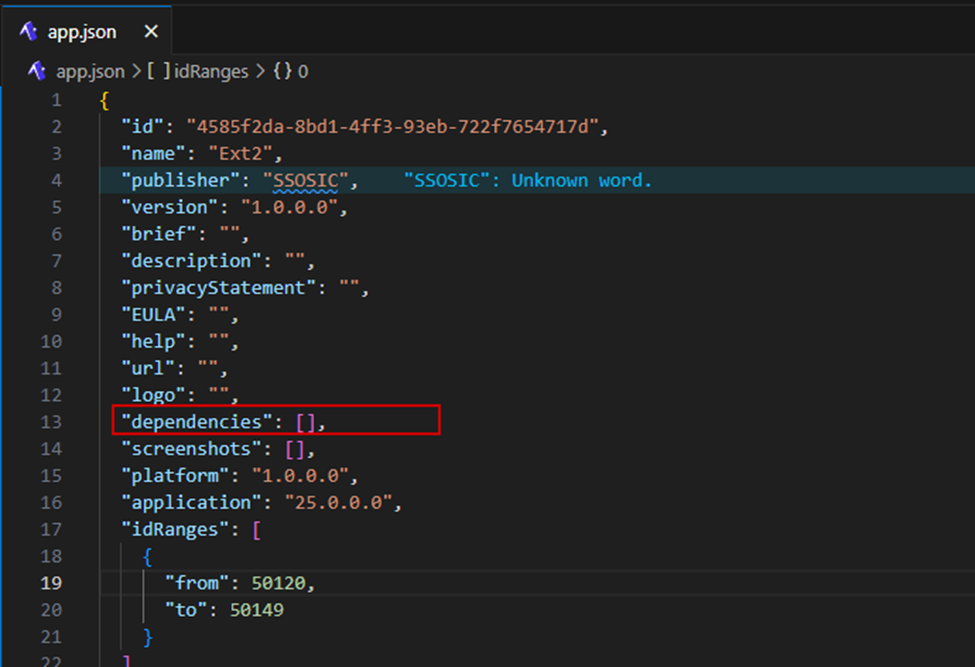
Next, we’ll create a completely new extension without any dependencies.
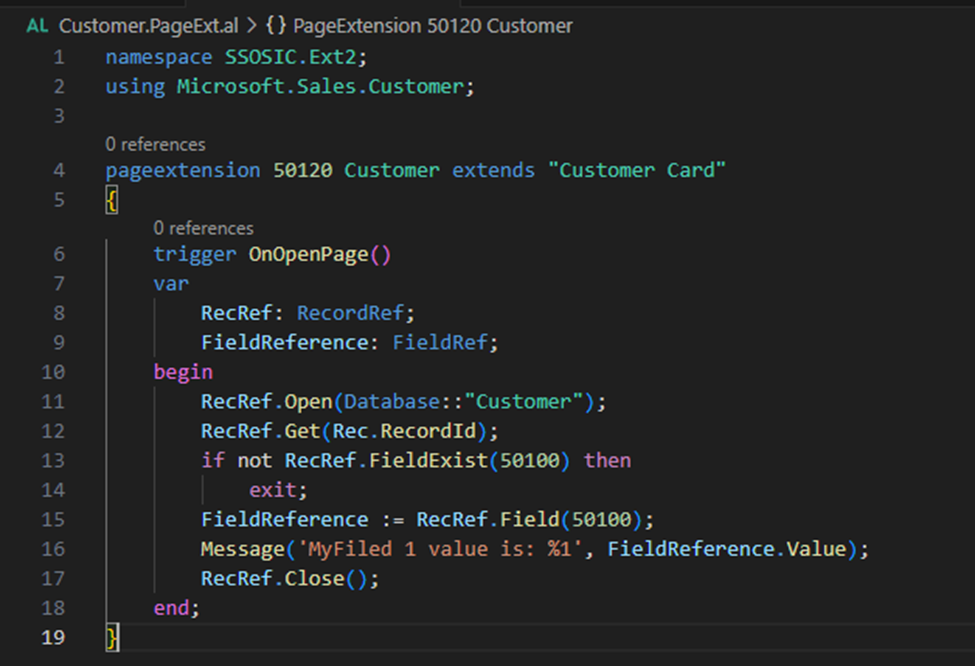
This new extension includes a page extension on the Customer Card and an OnOpenPage trigger to retrieve the value of MyField 1.
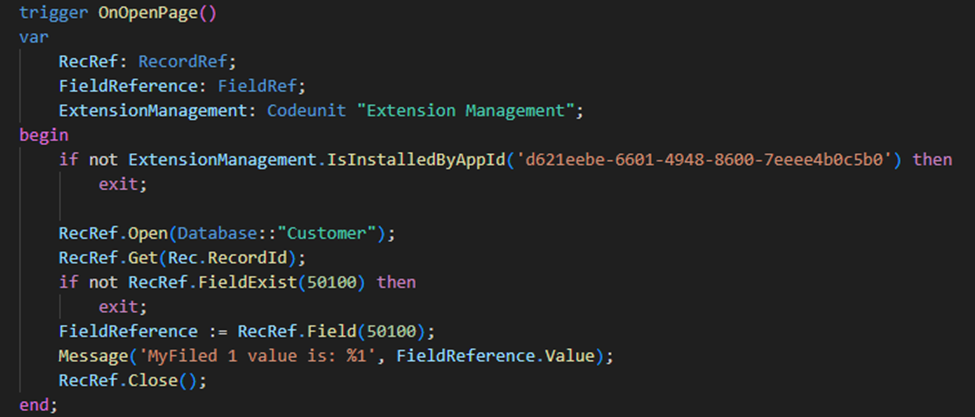
As shown, we include an additional check to verify if the field with the specified ID exists to prevent errors if the corresponding app is not installed. Additionally, you can use the Extension Management Codeunit to check if a specific application is installed.
It is crucial to obtain the correct field ID, which you can find by inspecting the page on the Customer Card Page.
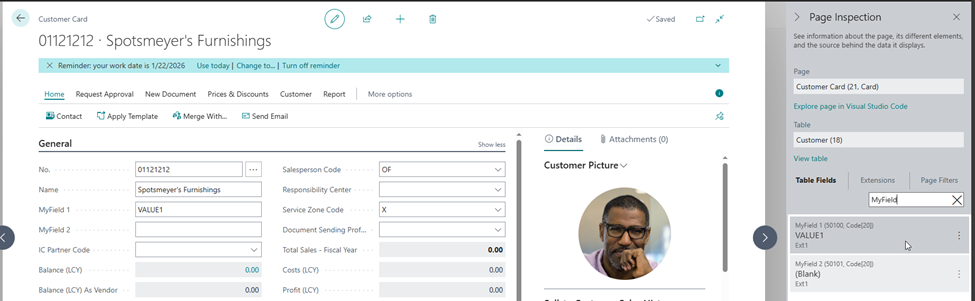
After publishing Extension 2, we can check the Customer Card page to confirm that we have successfully read the value of a field that is not part of our extension.
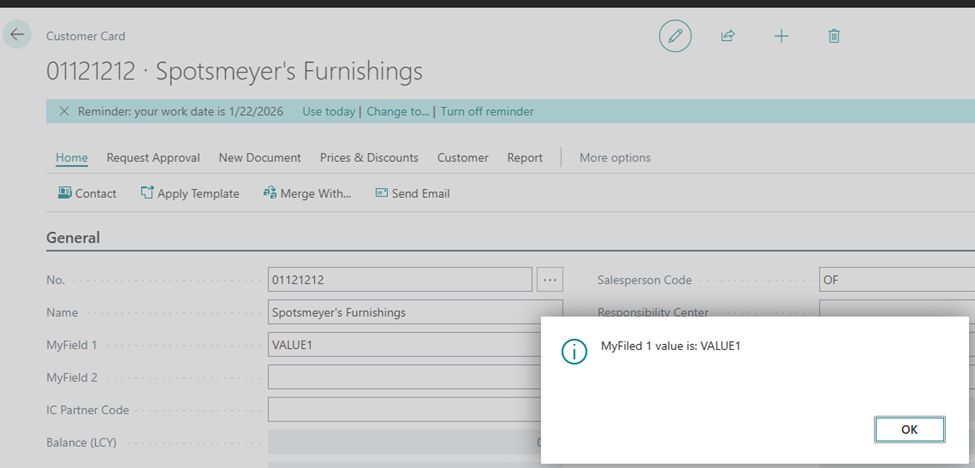
You have successfully read the value of the field which is not in your extension!
Now, let’s move on to modifying data.
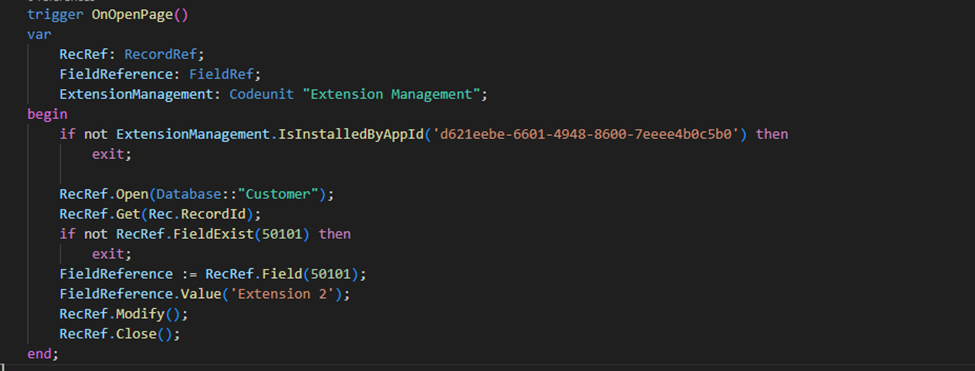
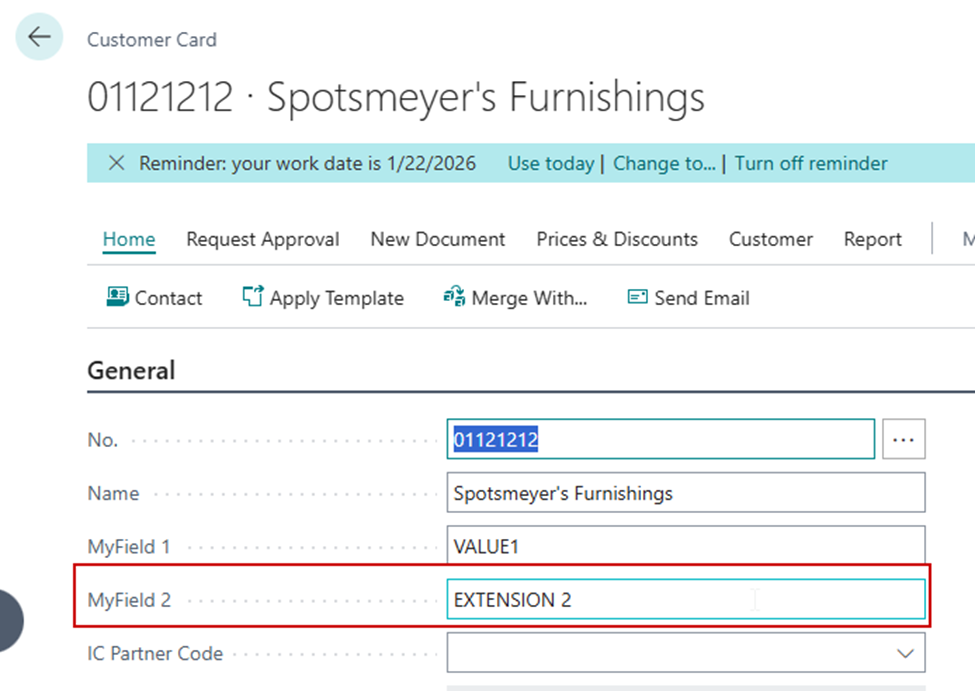
Upon opening the Customer Card, MyField 2 gets a value.
The Power of RecordRef****
RecordRef offers a lot of possibilities. In the same way that we obtained and modified a field value using FieldReference, we can perform similar actions with records stored in third-party extensions.
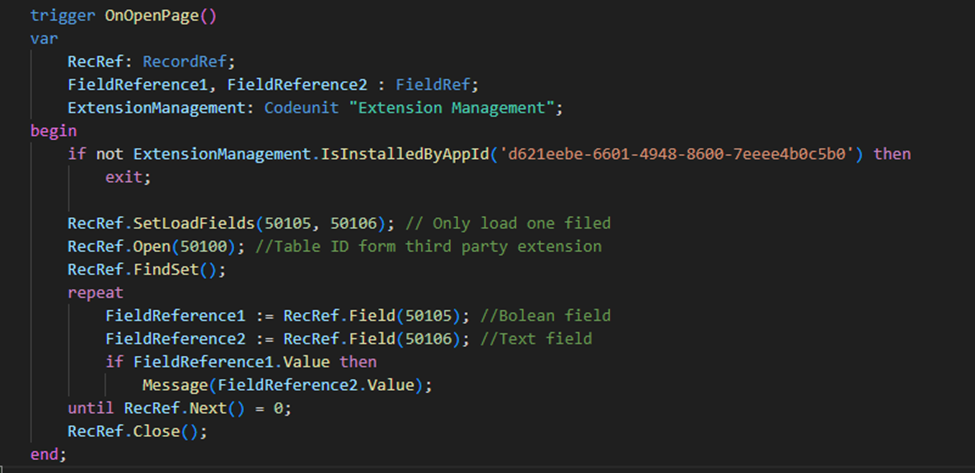
For instance, with RecordRef, we can use SetLoadFields to ensure our code is performance-optimized. We can then open a custom table with ID 50100, loop through it, and execute our code.
As you can see, RecordRef provides numerous possibilities.
Procedures on RecordRef which you can use:
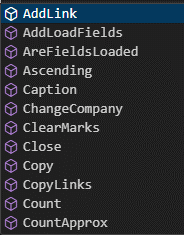
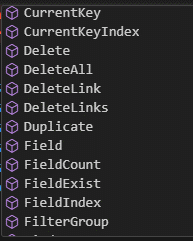
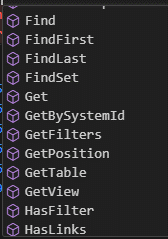
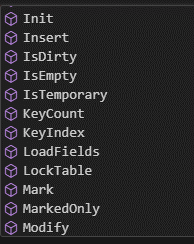
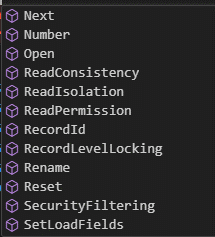
You can read more regarding RecordRef on Microsoft Learn: RecordRef Data Type – Business Central | Microsoft Learn
This also means that we can attach to some business processes such as Sales Posting routine and during posting fill out some of the third party fields differently or extract their value, all that without having any dependency on it.
All of this is great, but as we mentioned in the beginning if you need to modify the business processes, meaning, codeunit code, or subscribing to custom publishers on a third party extension is not possible without dependencies on that app.
Despite this limitation, I hope this article helps resolve some issues related to dependencies on third-party extensions.