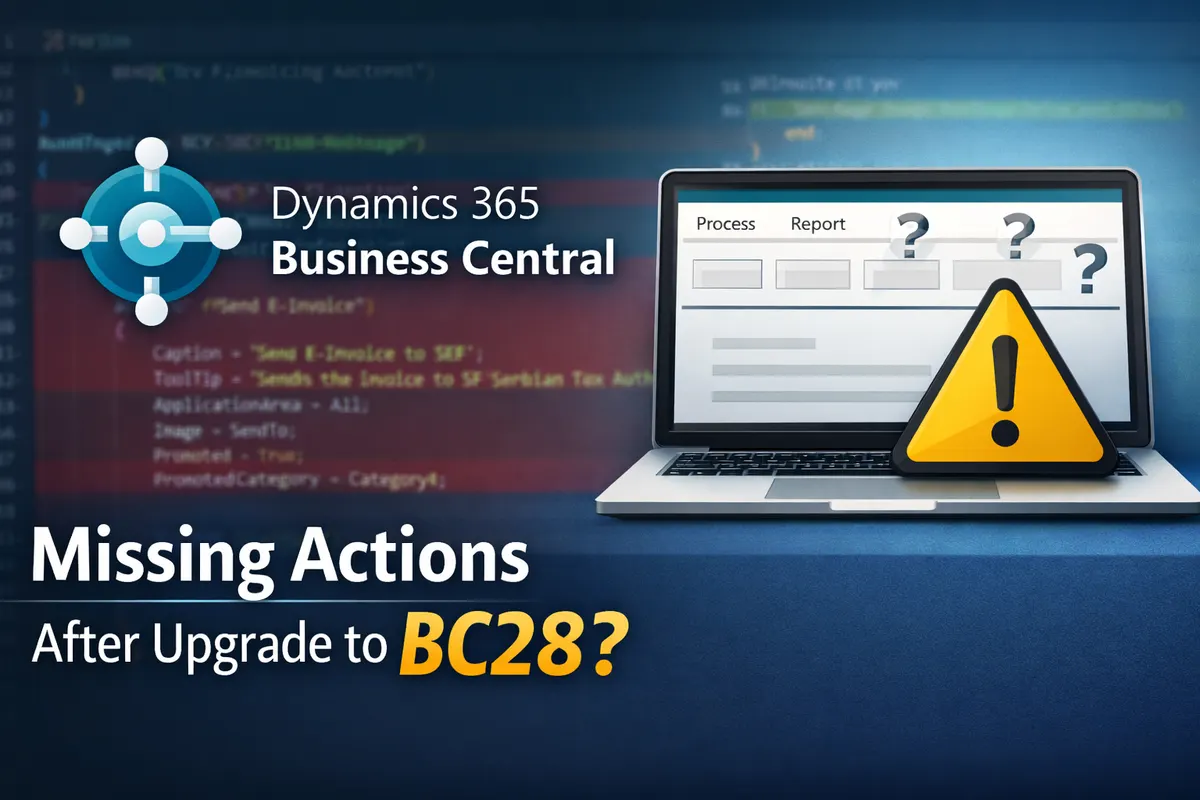
Missing Actions on Pages After Upgrading to Business Central 28???
If you recently upgraded to Business Central 28 and noticed that some actions have disappeared from your pages, you are not alone. This behavior is tied to the Modern Action Bar changes introduced by Microsoft, which alter how promoted actions are defined and displayed.
What Changed
In earlier versions, actions were promoted directly within their group using properties such as:
Promoted = true;
PromotedCategory = Category4;
This approach worked well until Microsoft restructured the action model. Starting with BC28, many pages now use action references (actionref) instead of direct promotion. When a page moves to this new model, the old promotion properties are ignored, and the actions simply vanish from the ribbon.
Old vs. New Approach
Old structure (before BC28):
group("E-Invoicing Actions")
{
    Caption = 'E-Invoicing';
    Visible = EInvoiceEnabled;

    action("Send E-Invoice")
    {
        Caption = 'Send E-Invoice to SEF';
        ToolTip = 'Sends the invoice to SEF (Serbian Tax Authority)';
        ApplicationArea = All;
        Image = SendTo;
        Promoted = true;
        PromotedCategory = Category4;

        trigger OnAction()
        begin
            EISalesInvMgt.CreateRequestAndSendSalesInvoice(Rec);
        end;
    }
}
New structure (BC28 and later):
action("Send E-Invoice")
{
    Caption = 'Send E-Invoice to SEF';
    ToolTip = 'Sends the invoice to SEF (Serbian Tax Authority)';
    Visible = EInvoiceEnabled;
    ApplicationArea = All;
    Image = SendTo;

    trigger OnAction()
    begin
        EISalesInvMgt.CreateRequestAndSendSalesInvoice(Rec);
    end;
}

addlast(Category_Category4)
{
    actionref("Send E-Invoice Promoted"; "Send E-Invoice")
}
After switching to this structure, the missing action reappears correctly.
Why It Happens
- Pages migrated to the Modern Action Bar ignore legacy promotion properties.
- Mixing old and new syntax (groups with promoted categories and action references) causes rendering conflicts.
- The
PromotedCategoryproperty is deprecated and should be replaced withactionref. - The Modern Action Bar feature must be enabled in Feature Management for the new structure to take effect.
How to Fix It
- Remove all legacy promotion properties (
Promoted,PromotedCategory, etc.). - Add an
actionrefunder the correct promoted category usingaddlast(Category_CategoryX). - Ensure the action has a valid trigger or runobject.
- Confirm that the Modern Action Bar feature is active.
- Recompile and publish your extension.
Summary
The missing actions are not a bug but a result of the action model transition in Business Central 28. If your promoted buttons disappeared, update your page extensions to use actionref instead of legacy promotion properties. Once converted, your actions will display properly again.
This change is part of Microsoft’s ongoing effort to unify and modernize the user interface, so adapting your code now will ensure compatibility with future releases.