
Select multiple lines on GitHub Pull Request review
1 min read
When reviewing code changes in a GitHub Pull Request (PR), it’s essential to provide precise feedback. One common task is selecting specific lines or blocks of code for comments or suggestions. Let’s explore how to do this.
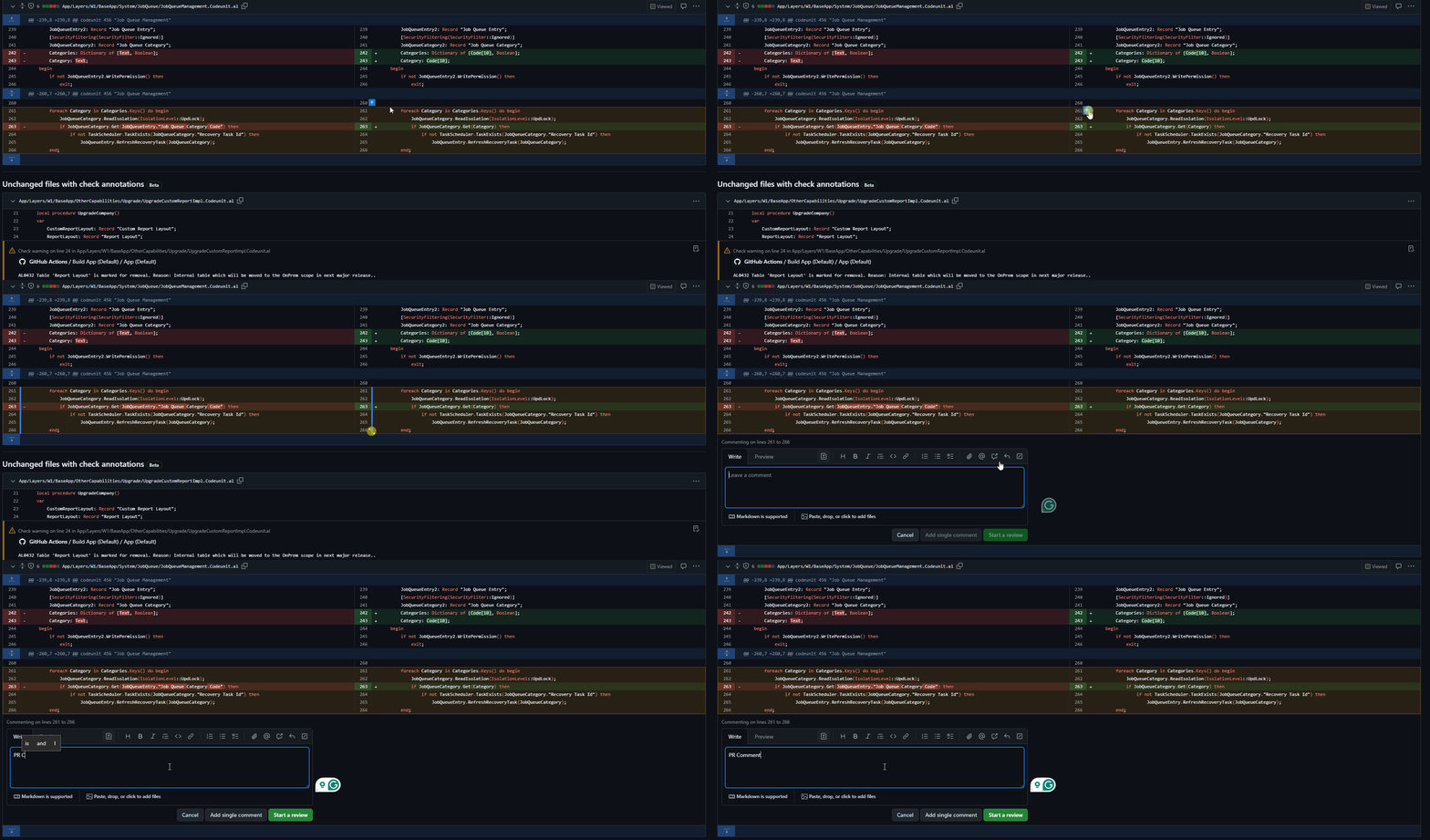
1. Click and Drag
- Click and Drag: Click on the line number on the left side of the code snippet, then drag your cursor to select multiple lines. You’ll see a blue highlight indicating the selected lines.
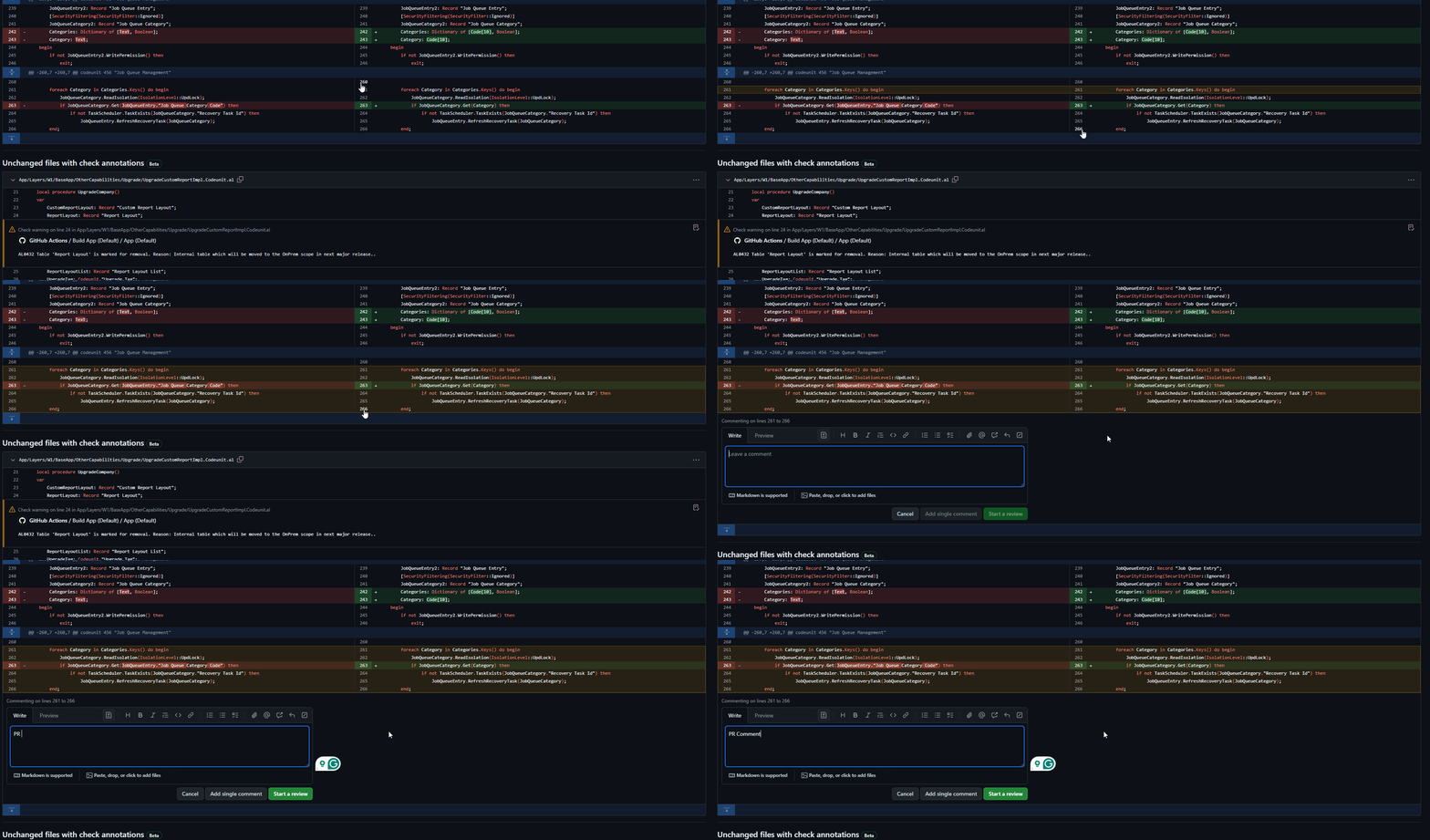
2. Shift + Click
- Shift + Click: Hold down the
Shiftkey and click on the line numbers to select a continuous range of lines. This is useful when you want to select a block of code.
Remember these shortcuts to streamline your code reviews and provide precise feedback. Happy reviewing! 🚀
Related posts


1 comment
- 1xbet india
At all I do not know, that here and to tell that it is possible