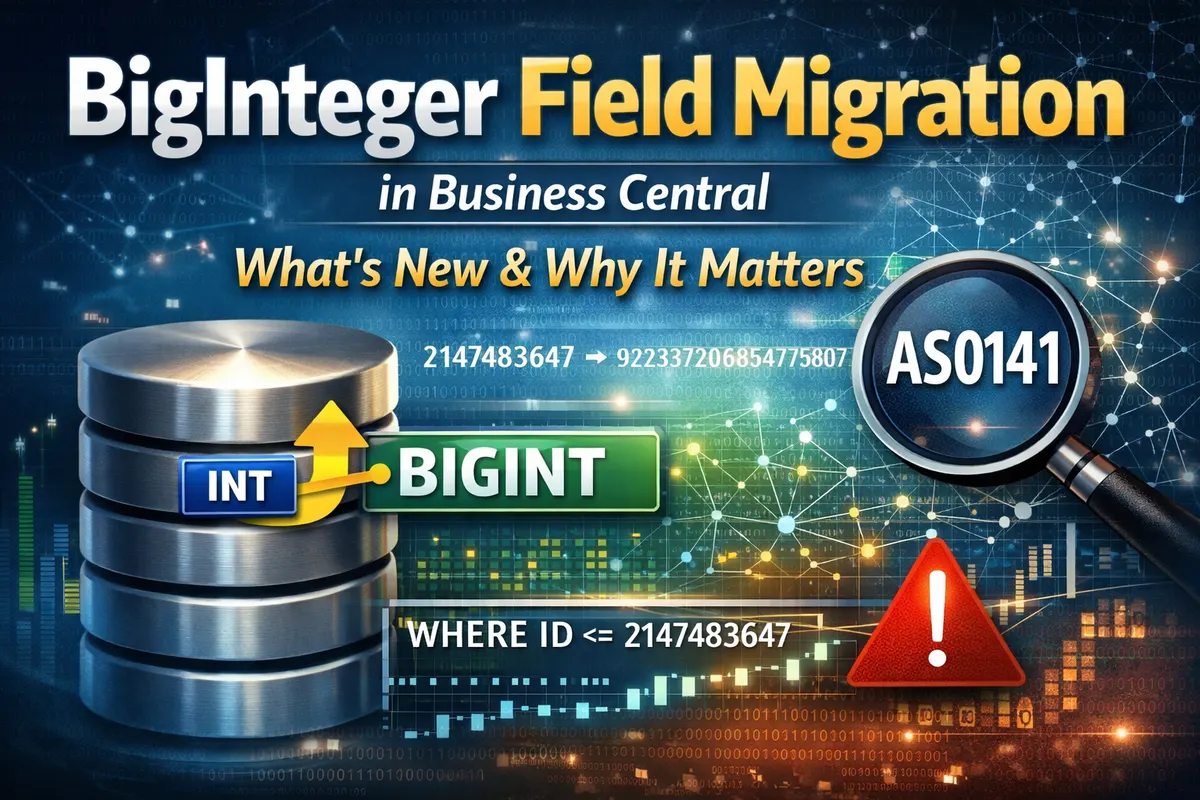
Integer to BigInteger Field Migration in Business Central
One of the quiet but important changes coming with runtime 18.0 (Fall 2026 wave) is support for migrating table fields from Integer to BigInteger. If you’ve ever worried about hitting the ceiling of Integer.MaxValue, this one’s for you.
Field Type Migration Support
The compiler now officially allows you to change a field from Integer → BigInteger when your extension targets runtime 18.0 or later. This isn’t a hack; it’s a supported schema upgrade scenario. The idea is simple: unblock partners whose counters, IDs, or ledgers are growing too fast for 32‑bit integers.
New AppSourceCop Rule (AS0141)
Alongside this, AppSourceCop introduces AS0141. Think of it as a “breaking‑change awareness” rule. It doesn’t forbid the migration, but it warns you if dependent extensions still assume the field is an Integer. That’s your cue to check your dependency graph, AppSource apps, PTEs, vertical solutions, and coordinate before pushing the upgrade.
Property Context Conversion Warnings
When you use a BigInteger field in places that expect an Integer (like TableRelation, CalcFormula WHERE clauses, filters, etc.), the compiler will throw warnings. Why? Because narrowing conversions (BigInteger → Integer) can overflow or truncate at runtime. Better to catch it early than debug mysterious data loss later.
CalcFormula Semantics
CalcFormula operations like LOOKUP, MAX, and MIN now support mixing Integer and BigInteger. The rules are straightforward:
- Widening conversions (
Integer → BigInteger) are safe and allowed without warnings. - Narrowing conversions (
BigInteger → Integer) trigger warnings, since overflow is possible.
Why This Matters
If you’ve worked in other ecosystems, PostgreSQL, Rails, SQL Server—you know bigint migrations are a classic scalability milestone. They’re necessary, but they can be tricky. Business Central is now giving us first‑class tooling.
Practical Guidance
Here’s how you can approach a safe migration:
- Raise your extension’s runtime to 18.0.
- Change the field type to
BigInteger. - Fix AS0141 warnings by coordinating with dependent apps.
- Address narrowing warnings in
TableRelation/CalcFormula. Avoid unsafe casts. - Use AppSourceCop baselines in CI so you can track AS0141 warnings across versions.
And a word of caution: avoid patterns like BigInteger primary keys with dependent PTEs that still use Integer, or implicit downcasts in WHERE clauses. Those will bite you later.
Wrap‑Up
This isn’t just another compiler tweak, it’s Business Central acknowledging that data grows, counters roll over, and partners need safe ways to evolve their schema. Runtime 18.0 is the gatekeeper, AppSourceCop is the safety net, and the compiler warnings are your early warning system.
If you’ve got fast‑growing IDs or ledger entries, now’s the time to plan your migration path.